Connecting to a WiFi Network with a Captive Login Portal
Connecting to a WiFi Network with a Captive Login Portal

A Captive Login Portal is when a wireless network asks you to log in before you get access to the internet. These can commonly be found at coffee shops, airports, and even hotels. To connect your Omega to the internet on these networks, all you need to do is scan and connect to the network with wifisetup, and then use another device like your smartphone or computer to log in while on the Omega's AP.
Step 1: Connect the Omega to the WiFi router
Next, you will need to connect the Omega to the WiFi hotspot of the hotel/restaurants you are in. To do this, you will use the wifisetup command:
root@Omega-0104:/# wifisetup
Onion Omega Wifi Setup

Select from the following:
1) Scan for Wifi networks
2) Type network info
q) Exit

Selection:
Just follow the instructions to scan for WiFi networks and connect to it.
Step 2: Use Your Computer/Smartphone to Login for the Omega
Once your Omega is connected to the network that has a captive login portal, you'll need to get your computer/smartphone, and connect to the Omega's AP.
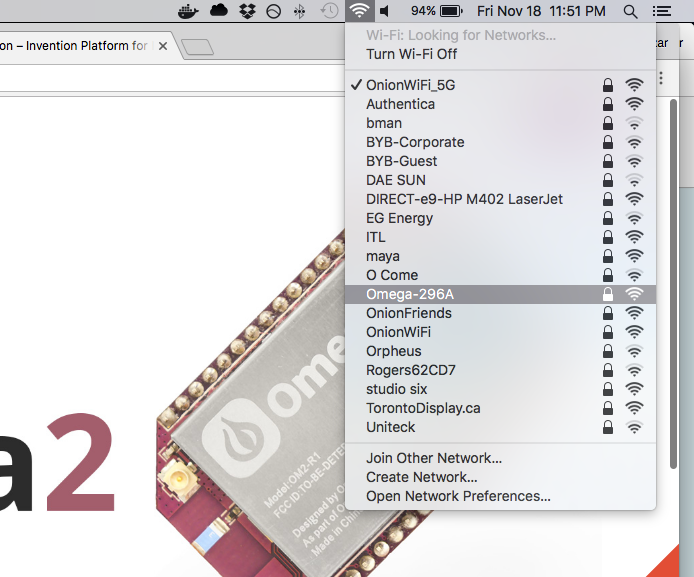
Now, you'll need to open a browser and visit any website. You should be redirected to a page asking you to login. You simply need to login to the network with your computer, and your Omega will be able to access the internet as well.